Tutorial
This tutorial will guide you through the process of creating your first stratigraphic log figure using stratapy. By the end of this tutorial, you will have a basic understanding of how to load data, create a log, and customise its appearance.
stratapy reads data from text-based files (like a .csv file or a spreadsheet .xlsx file). This tutorial will walk through the format of this file (File Format) before showing you how to create the log below and customise it.
Tip
You can follow along with the tutorial and the rest of the documentation using the complimentary Jupyter notebooks which you can download here.
Get Started
Learn how to format your data file and create your first log
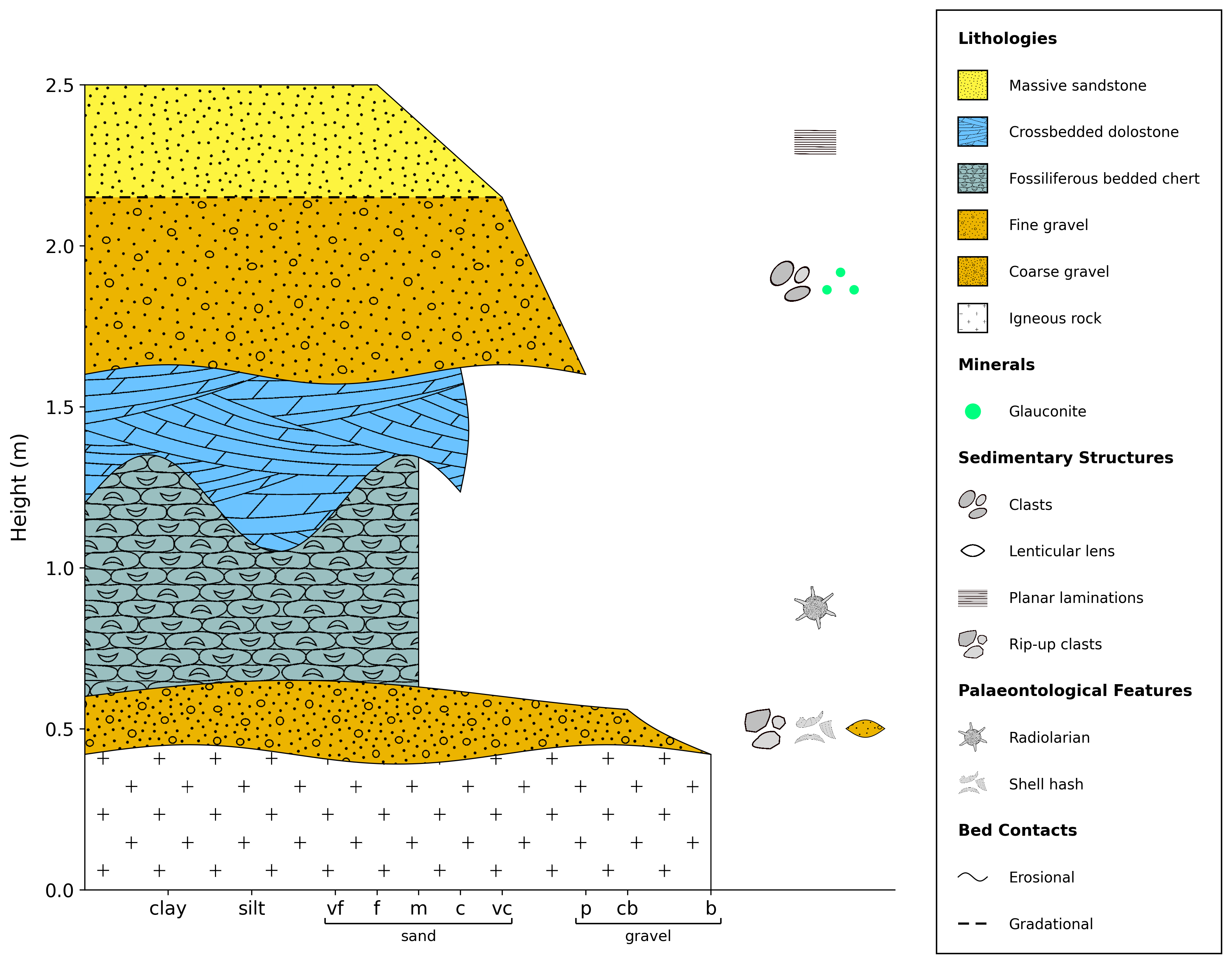
Example log which you will learn to create in this tutorial.